Find the good thing.
Watchlist and Discover bring in popular and trending picks, then take you to the matching item on your server. Richer filters, A to Z rails, people pages and cinematic trailers keep a large library navigable.
 Interteno
A native Plex client
for iPhone, iPad, CarPlay and Apple Watch
Interteno 01 Native Plex
Interteno is a native Plex client for iPhone, iPad, CarPlay and Apple Watch, built around the films, music and moments you have kept.
Download on the App Store
Version 1.0
is now
available

Interteno 02 The app
Discover films worth your time. Keep media ready offline. See exactly what your server is doing when it matters.
Field guide What is inside
Watchlist and Discover bring in popular and trending picks, then take you to the matching item on your server. Richer filters, A to Z rails, people pages and cinematic trailers keep a large library navigable.
Automatic downloads respect charging, data and storage rules. Choose original quality when it matters, pause safely on mobile data, and keep cached tracks or downloaded films ready without a signal.
Live streams, bandwidth, history, maintenance and Library Health give you a view into the server, not just the library. Follow a player into its next episode; spot duplicates, missing media and oversized files when they need attention.
Interteno 03 Music
Sample-accurate gapless playback, waveform seeking, lyrics, EQ, radio and a queue that knows where to go next.
Hear the difference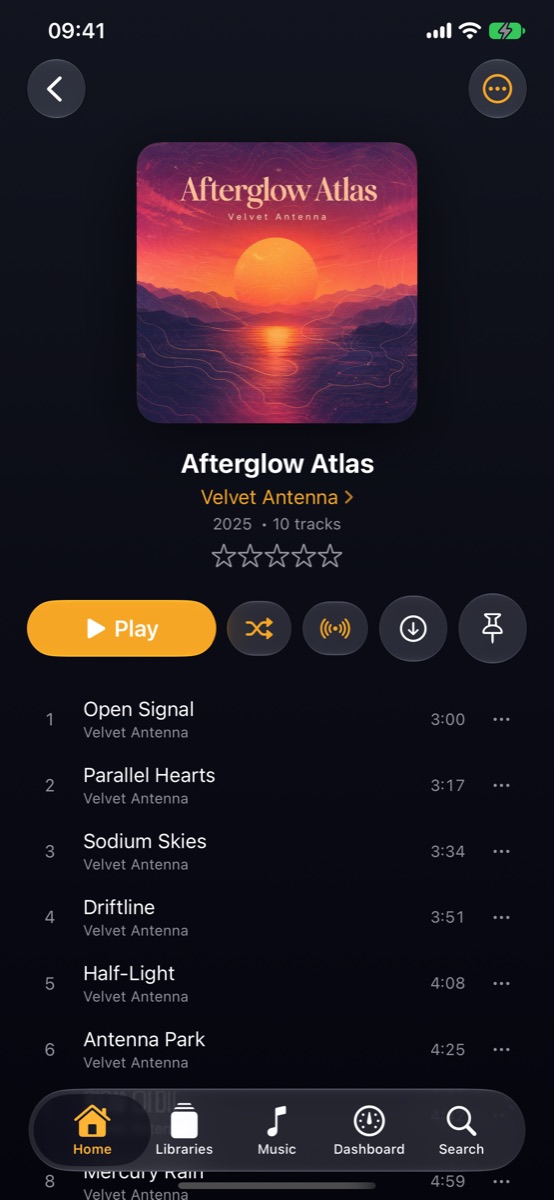
Built for listeners.
Preserved for always.
The listening engine
Sample-accurate joins, optional crossfade and seeking that lands exactly where you expect—even when Plex needs to transcode.
Choose a quality cap for Wi-Fi or mobile data. Interteno shows what is actually playing and keeps listening moving if an original is unavailable.
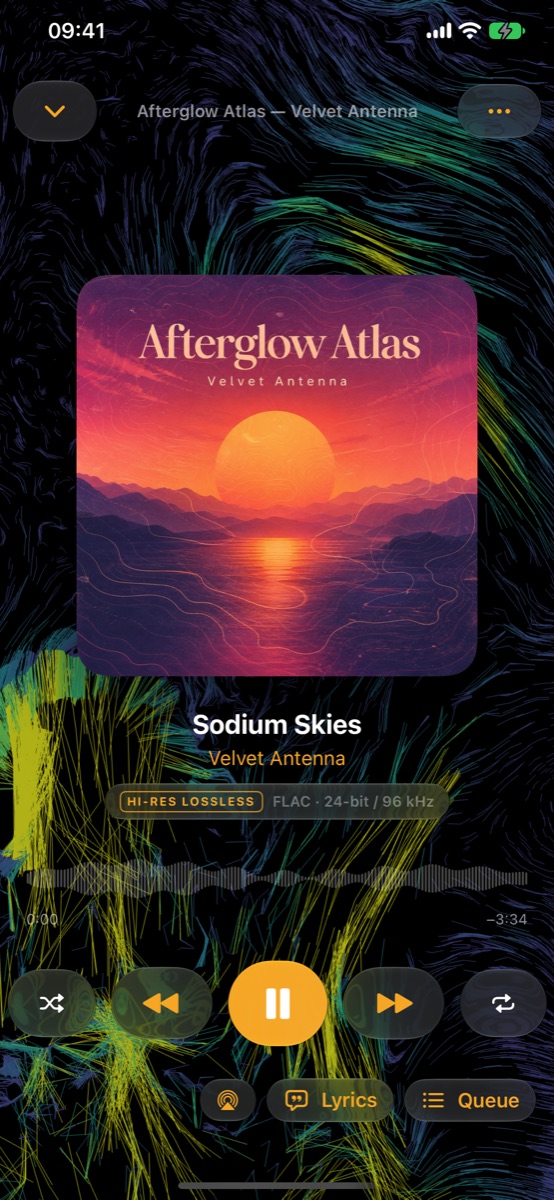
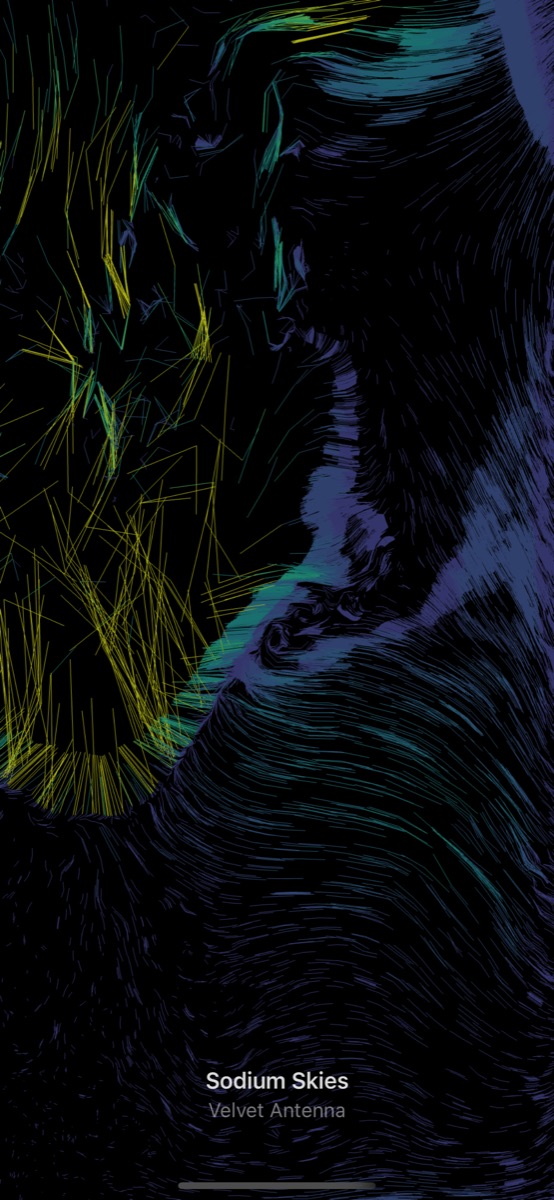
Synced lyrics, waveform seeking and 28 visualisers, from CRT scopes and responsive VU meters to an immersive full-screen mode.
Edit Up Next, revisit History, keep music in its own cache, rate what stays with you and start Sonic Radio from any track your server can analyse.
Interteno 04 Made to move
Send music to your watch. Keep your library road-ready. Leave home with what matters.
Open Interteno on iPhone once to link your watch. Browse when your server is available, or send music over for phone-free listening with no server nearby.
On watch, it comes first.
Apple Watch Made complete
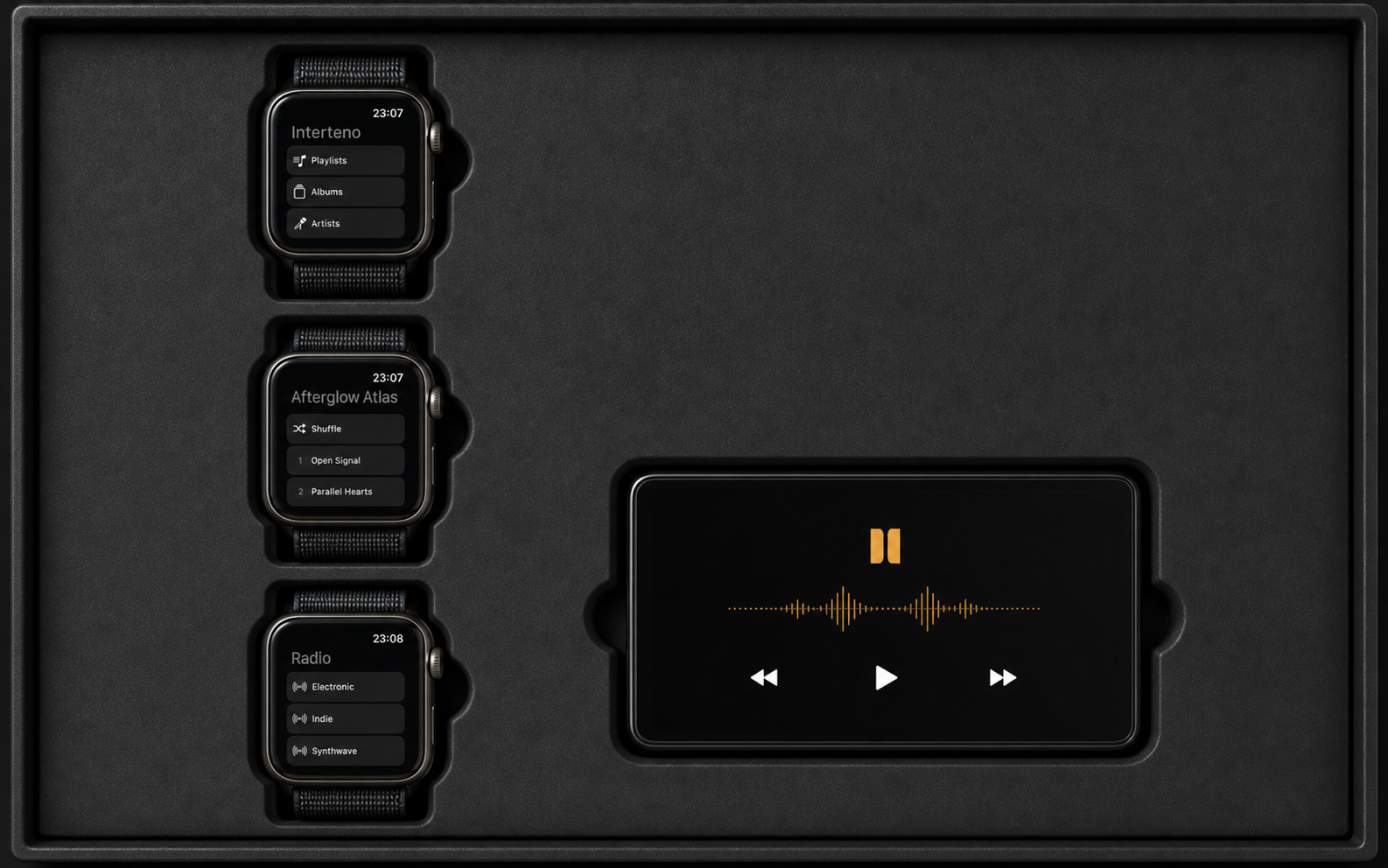
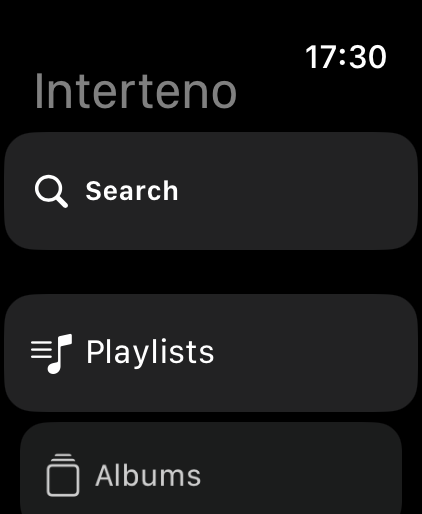
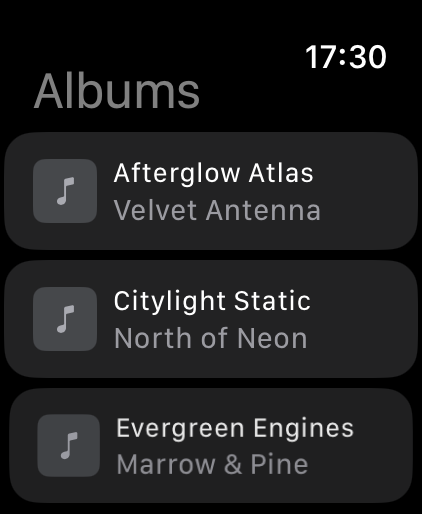
Search artists, albums and tracks without drilling through the library. Scrub your own Now Playing view with the Digital Crown. Browse, stream and take transferred music out without your phone.
When the server is close, the watch also handles video. When it is not, Send to Watch keeps the music you chose ready to play.
The places you use it
Films and shows keep their cast, artwork and progress close. Ask Siri through App Intents today; on iOS 27, Media Intents can play your music now, next or last with richer library context. Shortcuts, Play On and nearby Plex players are close at hand too.
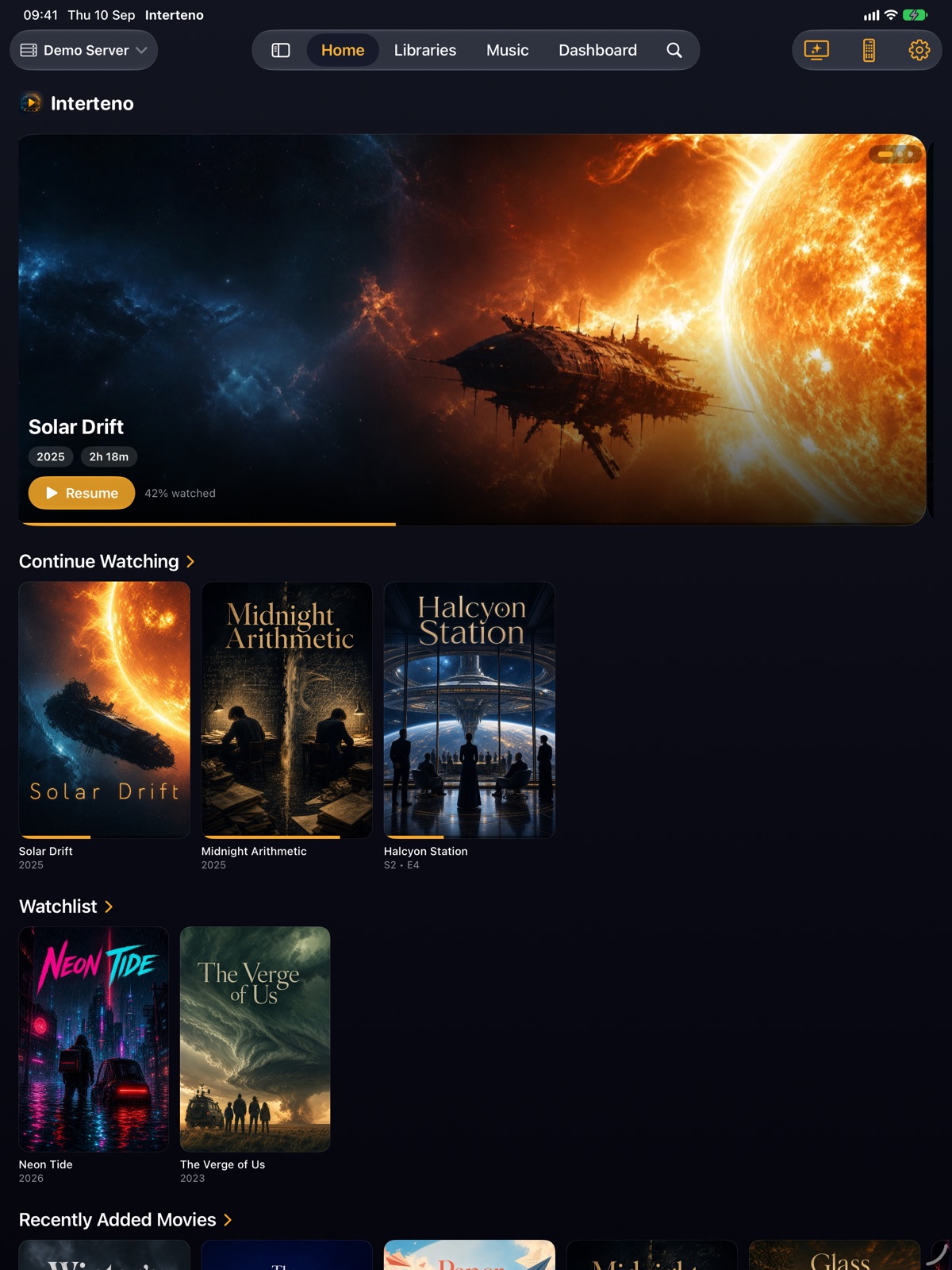
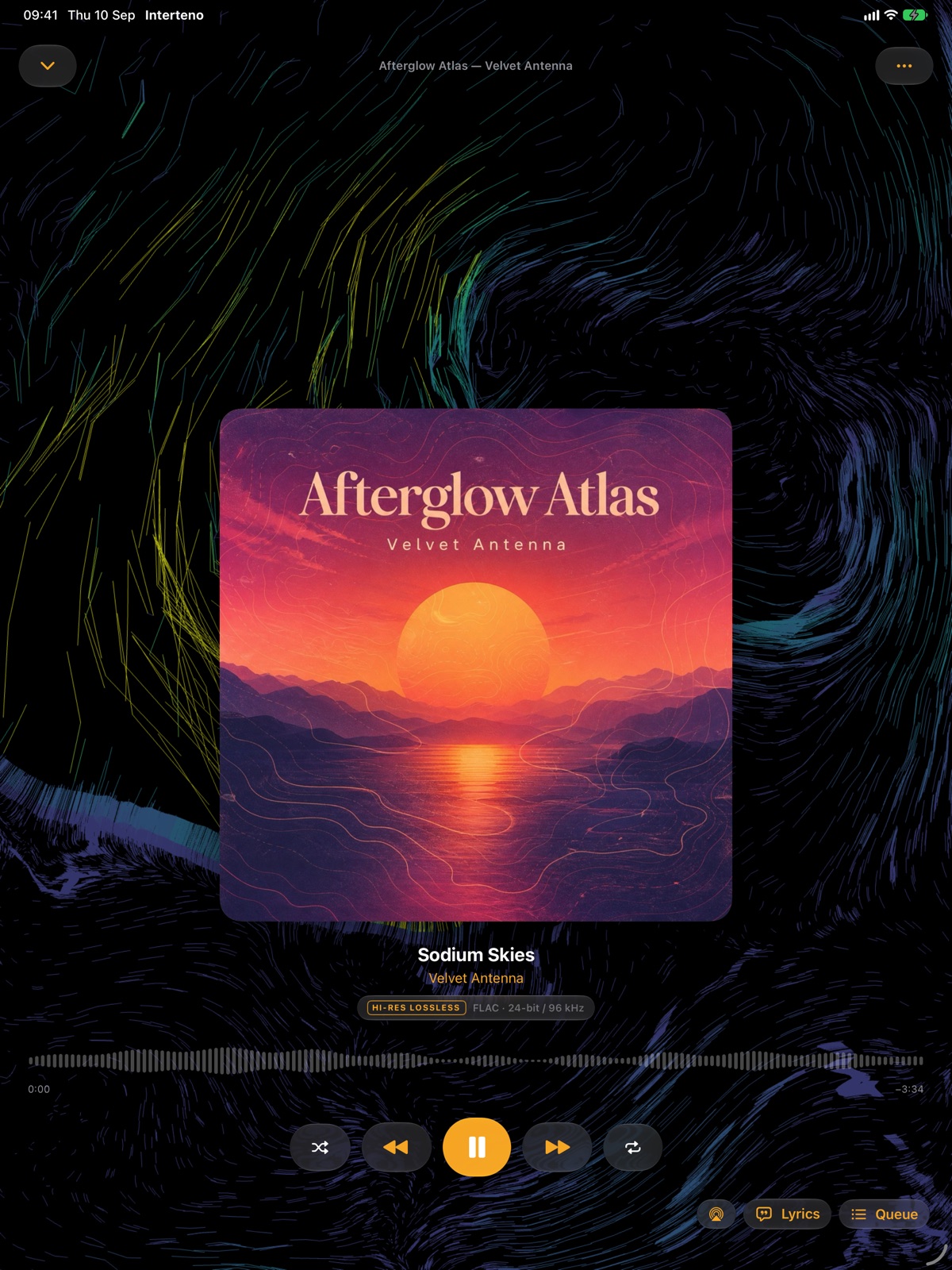
Interteno is now a universal app. On iPad, your libraries have a proper sidebar, Home gains space to roam and Now Playing adapts to the wider canvas in portrait or landscape.
Link from iPhone, browse, search or watch video when the server is reachable, then take transferred music out with no phone or server nearby. On Watch moves it first when the server cannot be reached.
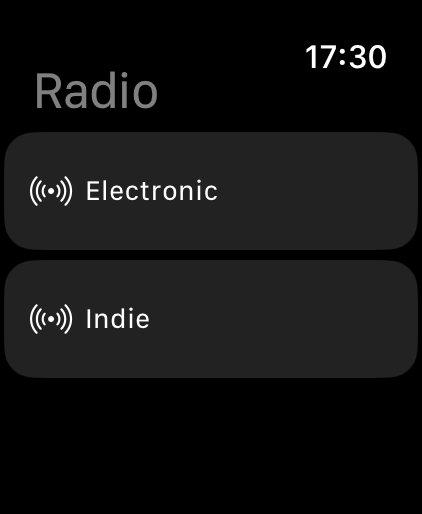
Albums, playlists, artists, downloads and radio are built into a focused music experience, with Genre, Mood, Style, Era and Deep Cuts stations, ratings and Now Playing controls.
Interteno 05 iPad
The same independent Plex client, now with room for the collection you have been building.
The iPad release is not the phone view stretched wide. Libraries sit in a sidebar, Home opens up, and Now Playing gives artwork, lyrics and your queue the space each one needs.
Version 1.0 Now on the App Store
Give it a rating. Share the thing you found. Ask Siri for music now, next or last. Put a session on another screen—and stay in control.
Version 1.0 is here. It brings a more personal music library, sharing that survives server boundaries, and the full iOS 27 Media Intents layer on supported devices.
Explore version 1.0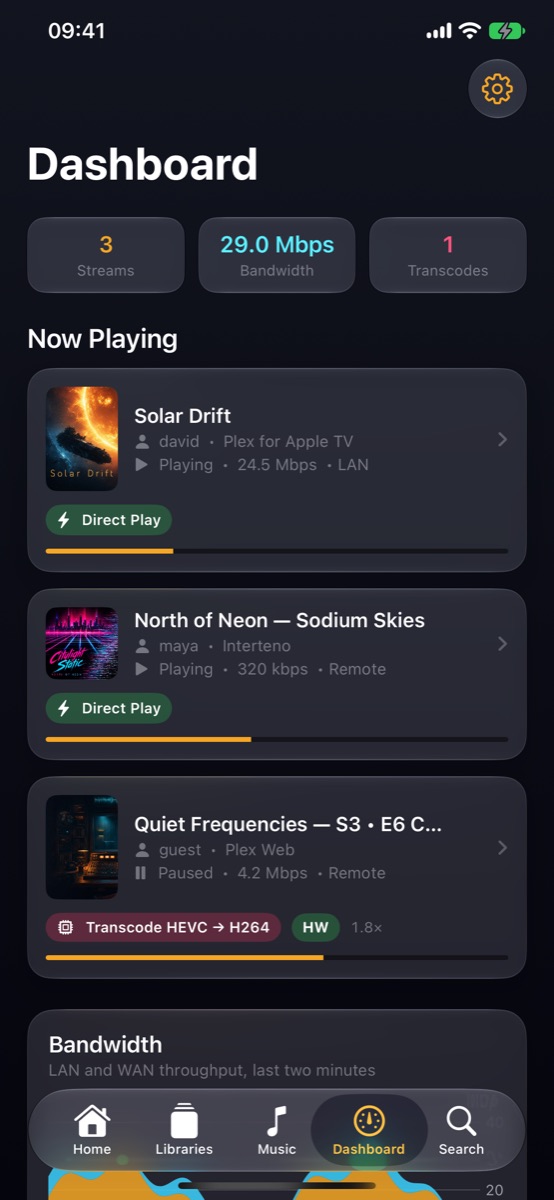
Version 1.0 Now on the App Store
Version 1.0 ships with Xcode 27, so its iOS 27 layer is ready on supported devices from day one. Download it from the App Store and make your Plex library feel more like your own.
Give music and video one to five stars, including half stars, then sort by My Rating or play from a Loved shelf. Ratings reach iPhone, iPad, CarPlay and Apple Watch.
New From Artists You Play and New in Genre bring the latest releases closer to the listening history already on your server.
Deep Cuts finds unplayed tracks; Era stations turn decades into a way through the library; Artist, Album, Style and Sonic Radio keep the routes open.
Cast and crew pages add biographies, job titles and the links that turn a credit into a useful way to keep exploring.
App Intents already starts music from your library. On iOS 27, Media Intents gives Siri richer context—and lets “play next” or “play last” add to what you are already listening to.
Artist pages separate albums, singles and EPs, live releases, compilations and remixes. Multi-disc releases keep their discs together.
Station pools and search merge duplicate rips by recording and prefer the best-sounding copy, so a path through your library stays intentional.
Reorder, remove or clear Up Next as you listen, then revisit what played from History. Cached music has its own grouped home rather than disappearing into a settings screen.
Choose from seven accents in Appearance. The default amber still sets the visual tone; the rest let the player sit more naturally with your own library.
Share a film, show, album or track as an Interteno QR card. A scan resolves to the other person’s own copy when their server has it.
Export a playlist as a file or link, then rebuild it on another server from track identities rather than a fragile list of local IDs.
Find artists, albums or tracks directly on Apple Watch. Playing a track also queues the rest of its result group, so one tap does not end in silence.
Interteno’s own Watch Now Playing view lets the Digital Crown scrub within the track. System Now Playing still handles volume and AirPlay.
When the server is reachable, the Watch app handles more than music: browse into a video and watch it directly from the wrist.
Send plays to ListenBrainz, Libre.fm or Simkl, with retries when a service is temporarily unavailable. Last.fm remains separate until its key ships.
Send a film, episode or music queue to a nearby Plex player on your network with its play queue intact, rather than leaving the player to infer what comes next.
Once it is playing elsewhere, the phone keeps a live view of position and gives you play, pause, skip, seek, player volume and stream switching from anywhere in the app.
Connect to a nearby player that is already playing and pick up its remote, without taking over the screen it is using.
Current screens The real app
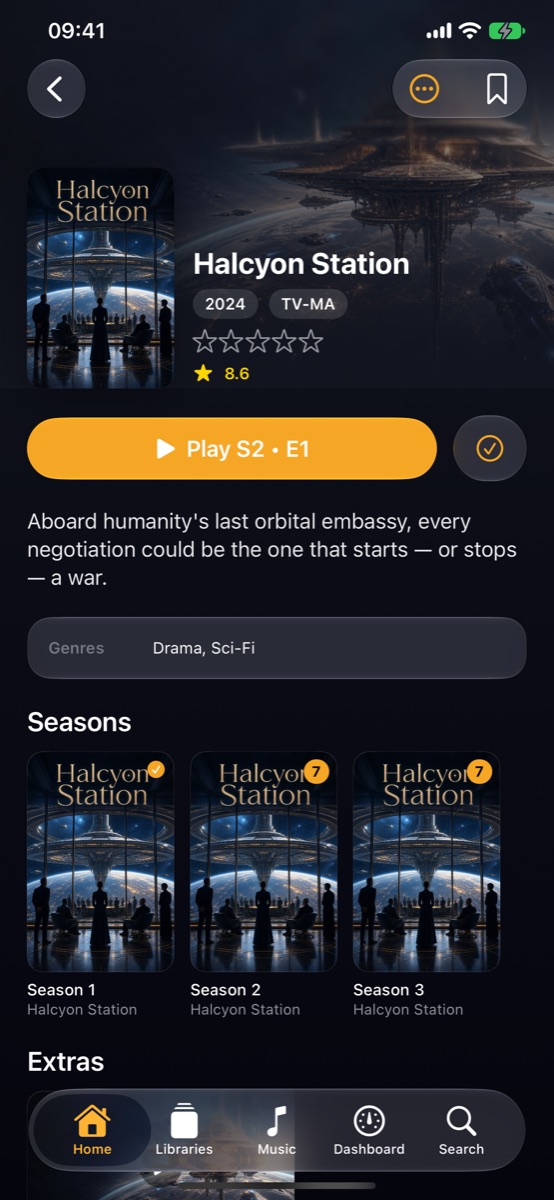
The app is broad because the library is broad: television, film, music, profiles, downloads, discovery and the server itself.
Why Interteno
SwiftUI, AVFoundation and Apple media frameworks make the player feel at home from iPhone to iPad, Apple Watch and CarPlay.
The music system is not a video player with an album tab: it has its own playback engine, cache, radio, lyrics and visual language.
Interteno talks to Plex and the server you choose. Losprog does not receive your library, playback history or account token.
Sign in with Plex, connect with a token or explore the built-in demo library. Interteno is available in English and Spanish; most features do not require Plex Pass, while synced lyrics use Plex’s lyrics service.
An optional direct-play path for formats that Apple playback does not handle natively.
A shareable year-in-review of the artists, albums and hours that made up your listening.
Private, natural-language music discovery when Apple Intelligence is available.
The roadmap
Version 1.0 is now on the App Store, including iPad and its iOS 27 features. Tell us what you want your Plex player to do after that.
Download on the App Store